
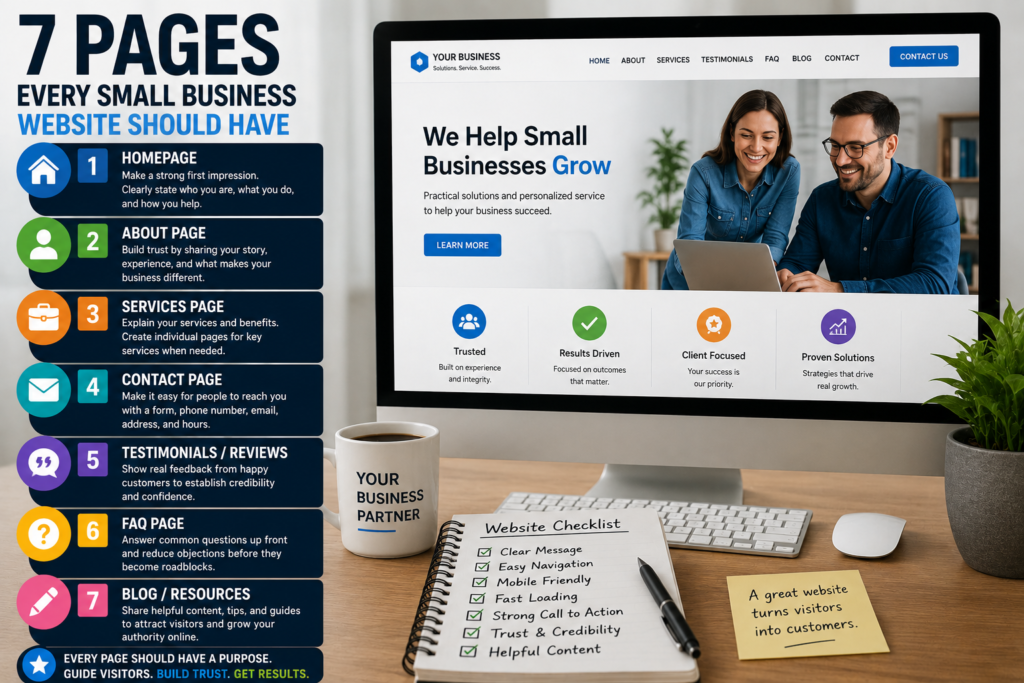
A small business website doesn’t need dozens of complicated pages.
It does need the right ones.
1. Homepage
Your homepage should quickly explain:
- Who you are
- What you offer
- Who you help
- Where you operate
- What the visitor should do next
Visitors shouldn’t need to hunt for this information.
2. About Page
People want to know who they’re doing business with.
Tell your story, introduce the company, explain your experience, and give visitors reasons to trust you.
3. Services Page
Clearly explain what you provide.
If you offer several important services, consider creating an individual page for each one.
That provides room to explain the service properly and can also improve search visibility.
4. Contact Page
Make contacting you simple.
Depending on your business, include:
- Contact form
- Phone number
- Service area
- Business hours
- Address where appropriate
Never make someone work to figure out how to become a customer.
5. Testimonials or Reviews
Potential customers want reassurance.
Real testimonials can help establish credibility.
Use genuine feedback and never manufacture reviews.
6. FAQ Page
An FAQ can answer common concerns before someone contacts you.
Good FAQ questions often come directly from conversations you’ve already had with customers.
If you repeatedly explain the same thing, that’s probably something your website should answer.
7. Blog or Resources
A blog isn’t mandatory for every business, but it can be extremely valuable.
Useful articles give you opportunities to answer questions customers are already searching for.
Over time, those articles can turn a small brochure website into a much larger resource.
Every Page Needs a Purpose
The biggest mistake isn’t having too few pages.
It’s having pages that don’t lead anywhere.
Every important page should have a clear next step:
- Call
- Request a quote
- Buy
- Schedule
- Download
- Contact
- Read another guide
Your website shouldn’t simply explain your business.
It should help visitors move toward becoming customers.