
One of WordPress’s biggest strengths is its plugin system.
A plugin can add something as simple as a contact form or something as complex as an ecommerce platform, membership system, security suite, or complete application.
But what exactly is happening when you install one?
WordPress Provides the Foundation
WordPress handles the core responsibilities of the website:
- Users
- Posts
- Pages
- Media
- Database access
- Authentication
- Themes
- Administration
- Routing and content delivery
Plugins extend that foundation.
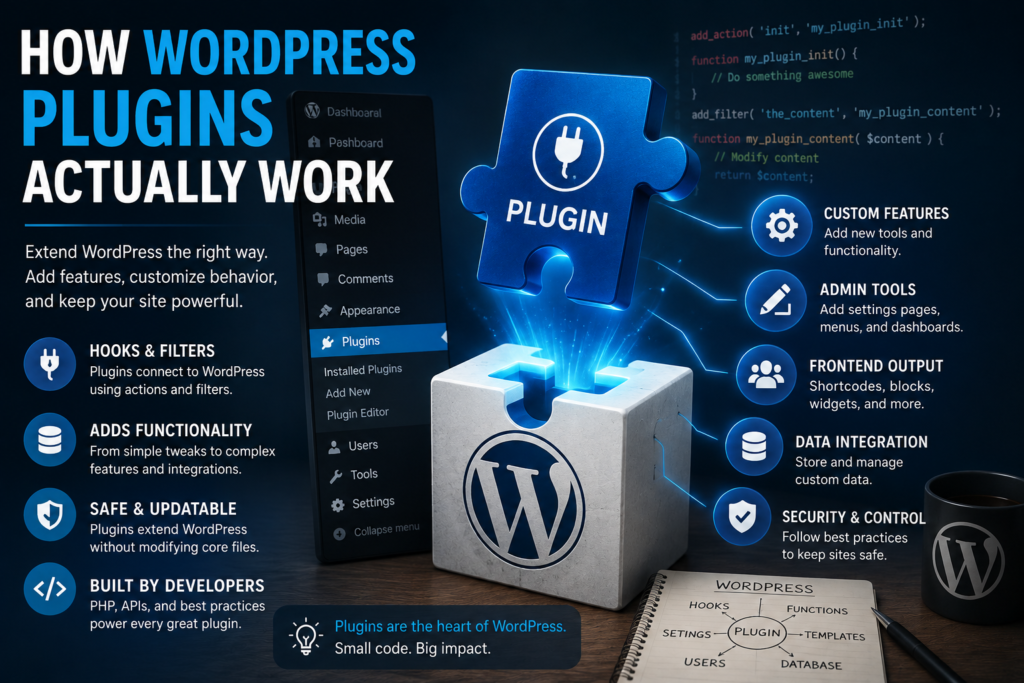
Instead of changing WordPress core files, developers create plugins that connect to WordPress through its APIs, hooks, filters, and functions.
That separation is extremely important.
Why You Shouldn’t Modify WordPress Core
Technically, you could edit WordPress itself.
You shouldn’t.
When WordPress is updated, core files can be replaced. Your modifications may disappear, and custom changes to core can also create security, compatibility, and maintenance problems.
Plugins provide a safer extension layer.
Actions and Filters
Two concepts you’ll encounter frequently in WordPress development are actions and filters.
An action allows code to run when something happens.
Examples include:
- WordPress finishes loading.
- An administrator opens a screen.
- A post is saved.
- A user logs in.
- A page footer is generated.
A filter allows data to be modified before WordPress uses or displays it.
For example, a plugin could modify:
- Post content
- Titles
- Excerpts
- URLs
- Email text
- Form values
Together, actions and filters allow plugins to interact with WordPress without rewriting the platform itself.
Plugins Can Have Their Own Data
A plugin may save information using existing WordPress functionality, custom post types, options, metadata, or—in more advanced cases—custom database tables.
The correct choice depends on what the plugin does.
A small settings plugin probably does not need an entire custom database architecture.
A complex application may.
Good plugin development means choosing the simplest architecture that reliably handles the job.
A Plugin Can Affect Both Sides of WordPress
Plugins can add functionality to the public-facing website and the WordPress administration area.
A plugin might provide:
Frontend functionality
- Forms
- Calculators
- Product displays
- Shortcodes
- Search tools
Administrative functionality
- Settings
- Reports
- Logs
- Dashboards
- Custom editors
Many professional plugins provide both.
Good Plugins Should Play Nicely With WordPress
One of the most important lessons in plugin development is that your plugin does not own the website.
It shares WordPress with:
- The active theme
- Other plugins
- Hosting software
- WordPress itself
That means responsible development matters.
Avoid unnecessary global code, load files only when needed, validate incoming information, escape output, and use WordPress APIs whenever practical.
Start Small
If you want to learn plugin development, don’t begin by trying to build the next WooCommerce.
Start with something simple.
For example:
- Add a custom admin notice.
- Create a shortcode.
- Add a settings page.
- Register a custom post type.
- Add a small dashboard widget.
Once you understand how WordPress loads your plugin and how hooks work, larger projects become much easier to understand.
WordPress plugin development can look intimidating from the outside, but the basic concept is straightforward:
WordPress provides the platform. Your plugin hooks into that platform and adds functionality without modifying WordPress core.
That’s the foundation everything else builds upon.