
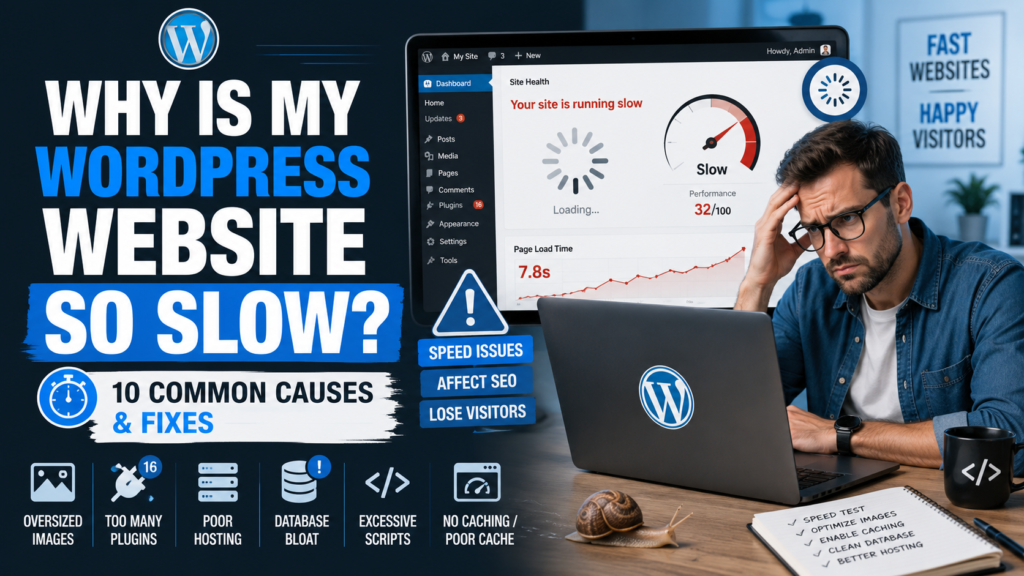
A slow WordPress website isn’t usually caused by one mysterious problem.
It’s often the result of several small problems stacking on top of each other.
1. Cheap or Overloaded Hosting
Your website can only perform as well as the environment running it.
If the server is constantly struggling for resources, no optimization plugin can completely solve the underlying problem.
2. Oversized Images
Uploading a huge image directly from a camera or stock-image service can add several megabytes to a page.
Resize images appropriately and use modern compression.
3. Too Many Heavy Plugins
The number of plugins isn’t always the problem.
The quality and behavior of those plugins matter more.
One poorly designed plugin can cause more trouble than ten lightweight ones.
4. Too Many External Requests
Websites commonly load resources from outside services:
- Fonts
- Analytics
- Advertising
- Social networks
- Video platforms
- Tracking systems
- Chat tools
Each additional service can add another request or delay.
5. No Effective Caching
WordPress dynamically builds pages.
Caching can reduce the amount of work required for repeat requests by serving previously generated content when appropriate.
6. Bloated Themes
Some themes include enormous collections of scripts, design systems, animations, widgets, and features whether you use them or not.
A good theme should provide what you need without forcing visitors to download unnecessary code.
7. Poor Database Maintenance
Over time, a WordPress database can accumulate revisions, transient data, abandoned plugin options, and other information.
Database optimization can help, but always create a backup before making database changes.
8. Too Much JavaScript
Modern websites can become heavily dependent on JavaScript.
Every animation, popup, slider, analytics service, tracking pixel, and interactive component potentially adds more work for the visitor’s browser.
Use JavaScript because it improves the experience—not merely because you can.
9. Slow Third-Party Services
Your own server may be fast while an external service takes several seconds to respond.
This is why troubleshooting performance requires looking beyond WordPress itself.
10. Trying to Fix Everything With One Optimization Plugin
Performance plugins can be useful, but they’re not magic.
The strongest approach is to understand where the slowdown originates.
Optimize the actual bottleneck.
A fast WordPress website comes from a combination of:
good hosting + efficient code + optimized media + intelligent caching + disciplined design.
Treat performance as part of building the website—not something you bolt on after everything else goes wrong.